Managing Other Users
If you are a delegated administrator—that is, a person who can perform certain administrative tasks related to other users—then you can add users, reset passwords, and modify your assigned users’ name, email address, and telephone number. You can also activate and inactivate users, and specify an account expiration date. In addition, you can generate a report about all of the users that you manage.
For the purposes of delegated administration, users are divided into various groups, and each user can belong to more than one group. In addition, each group can have more than one delegated administrator, and each delegated administrator can be responsible for more than one group.
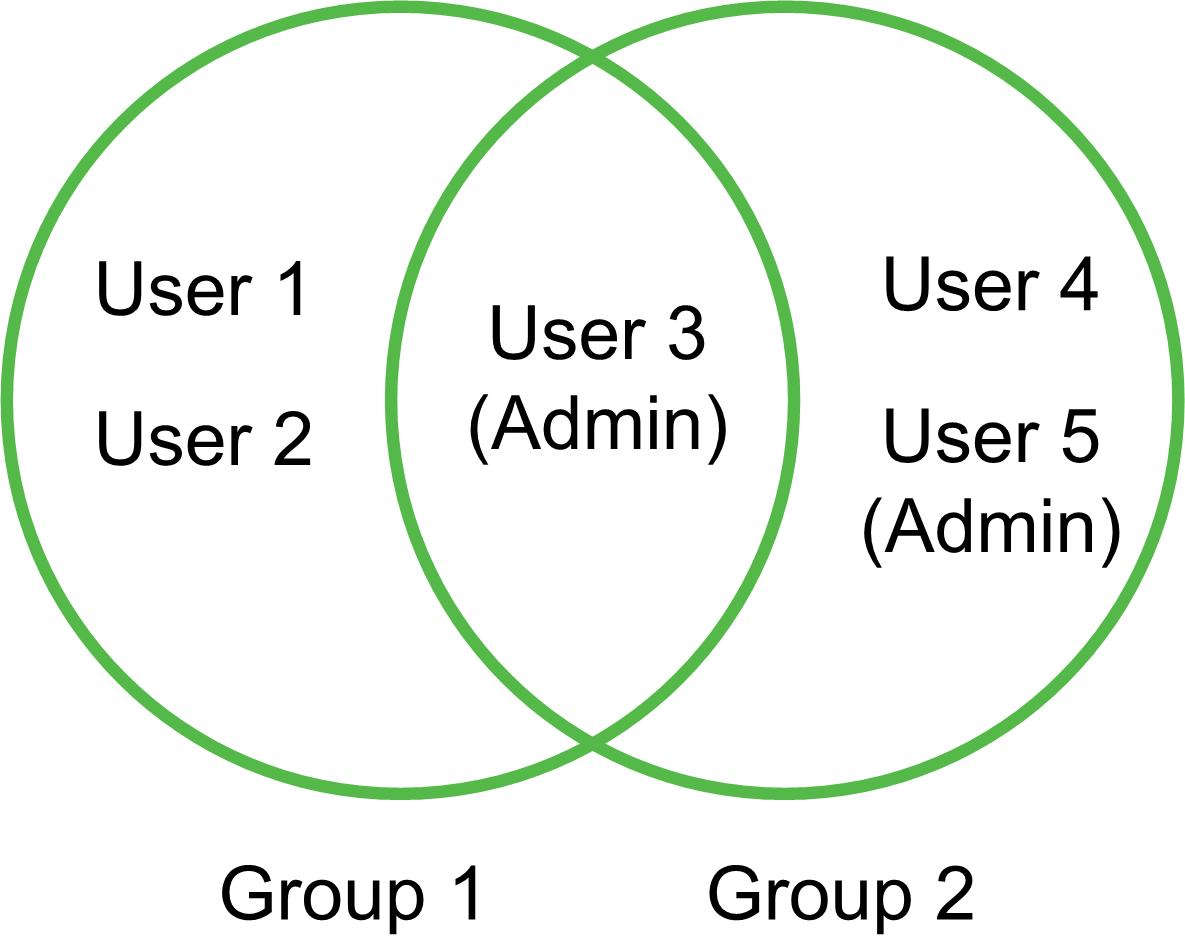
When you add a user, you can add that person to only the selected group or all of the groups that you manage.
|
Note: Do not use this procedure to add a Quest Diagnostics employee, such as an in-office phlebotomist. Quest Diagnostics employees should contact their manager to request access to the system. |